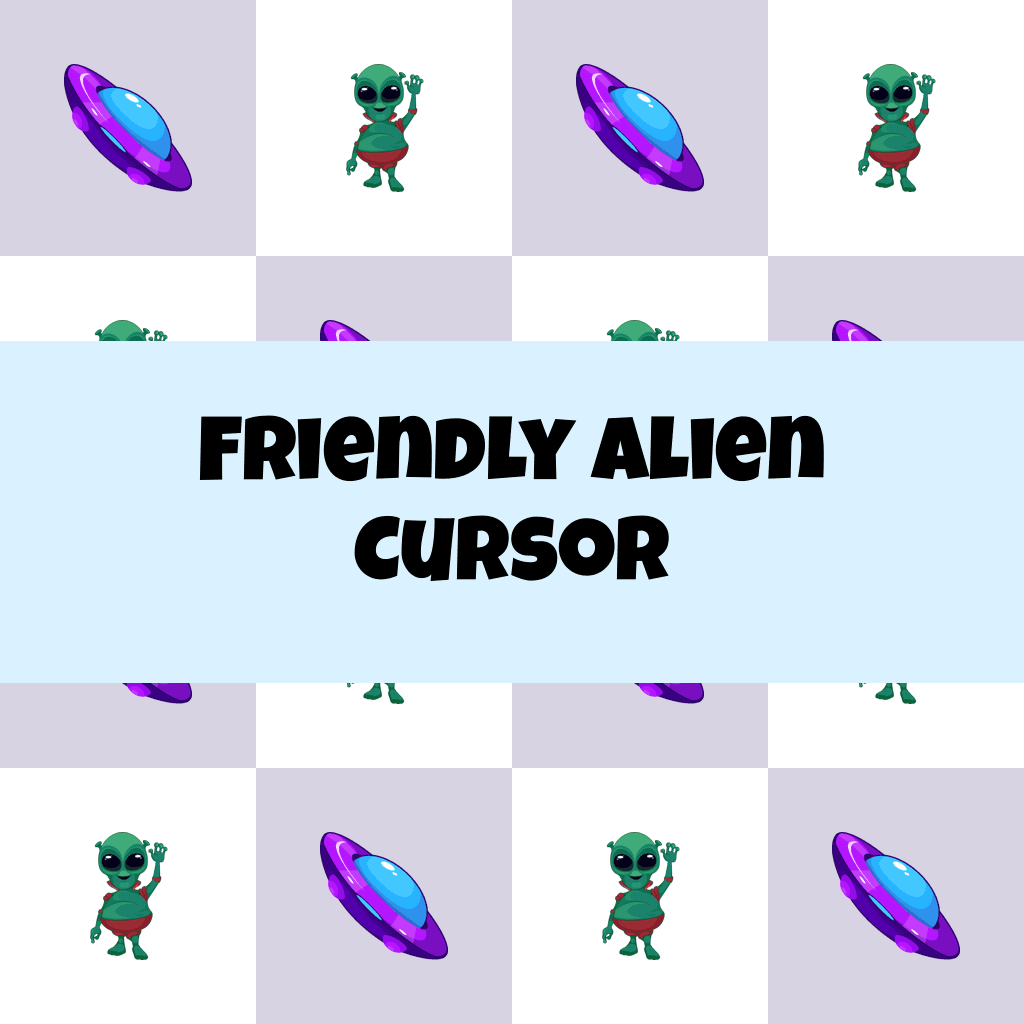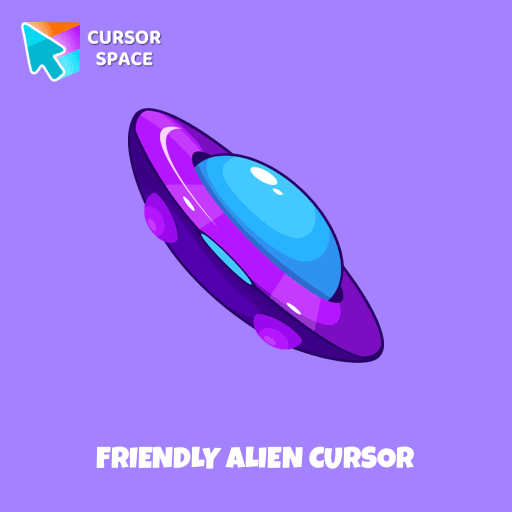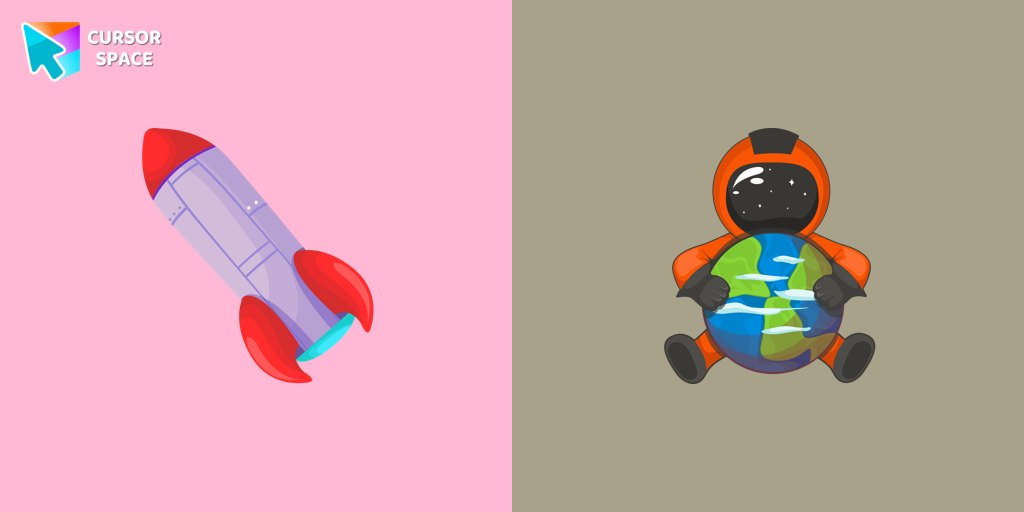
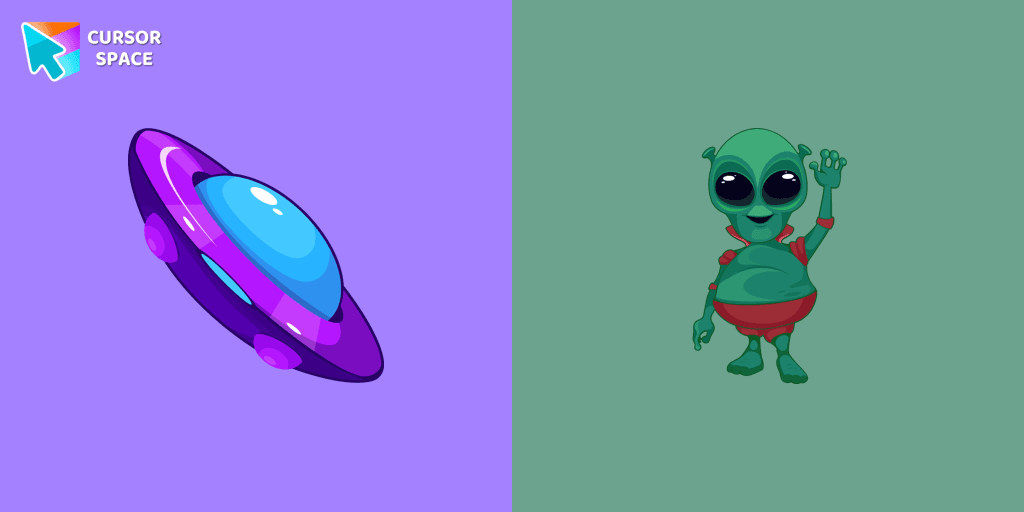
Friendly Alien Cursor

Friendly Alien cursor cursor pack
Preview Friendly Alien cursor custom cursor pack
Friendly Alien cursor arrow cursor
Friendly Alien cursor pointer cursor

Description

Any civilization other than the one existing on our planet is called extraterrestrial, a collection of custom cursors for Chrome you can take part in. A well-designed custom cursor in the form of a flying UFO, from our fantastic collection of solar system cursors with planets and space.

What's included in the package

  • Default Cursor
  • Pointer (Hand)

How to install a custom cursor pack Friendly Alien Cursor
  1. Install the Cursor Space extension for Chrome or Cursor Space for Edge in your browser.

  2. On this page, click "Add this cursor pack to the extension".

  3. Open the extension and go to the Packs tab.

  4. Find the custom cursor pack "Friendly Alien cursor" and click it.

  5. Enjoy!

Ready to install?

Get this cursor pack and thousands of others by installing our extension. It's fast and free!

About this cursor pack

Friendly Alien Cursor is a themed cursor pack you can add to your browser to personalize your pointer across common cursor states (default and pointer). Use it for everyday browsing, streaming, studying, or gaming-anywhere you want your cursor to match your vibe.

Instant preview

See how the cursors look before installing.

Easy install

Add the pack to the extension in a few clicks.

Works in your browser

Designed for Chrome and Edge via the extension.

FAQ

Quick answers to common questions about cursor packs, collections, and installation.

Do I need an extension?

Yes. To apply cursor packs in Chrome or Edge, install the Cursor Space extension and add this pack to it.

Which browsers are supported?

Cursor packs are designed for Chromium browsers like Chrome and Microsoft Edge.

How do I switch back to the default cursor?

Open the extension, choose another pack or disable the current one to return to your default cursor.

Popular cursors today

Custom cursor and packs - neon, anime, pixel art. Quickly add to Chrome and Microsoft Edge for free

  • TOP 1
    Watermelon Texture cursor

    Watermelon Texture cursor

    (270)
    Free

    Enjoy summer vibes year-round with our Watermelon Texture custom cursor, adding refreshing charm and vibrant color to your browsing experience.

  • TOP 2
    Flying Ship cursor

    Flying Ship cursor

    (98)
    Free

    Stand out from the crowd with The Flying Ship cursor from our custom cursors collection. Created exclusively for The Best Cursors, this cute cursor offers a unique and eye-catching design.

  • TOP 3
    Oreo Pink Cursors

    Oreo Pink Cursors

    (145)
    Free

    Upgrade your interface with Oreo Spark Pink Cursors. Enjoy playful, custom designs that add sparkle to any digital space.

  • Gacha Life Ezra cursor

    Gacha Life Ezra cursor

    (119)
    Free

    Personalize your browsing with Gacha Life's Ezra custom cursor, blending game love and style seamlessly.

  • Among Us Kakashi Hatake Character cursor

    Among Us Kakashi Hatake Character cursor

    (268)
    Free

    Introducing the Cute Among Us Kakashi Hatake Character Cursor: A Perfect Blend of Two Favorites!

  • Undertale Frisk cursor

    Undertale Frisk cursor

    (14)
    Free

    Get Undertale and Deltarune cursor with Frisk for your browser.

  • Star-Lord cursor

    Star-Lord cursor

    (183)
    Free

    The Star-Lord custom cursor for Google Chrome adds a stylish and adventurous touch to your browsing experience, perfect for Guardians of the Galaxy fans.

  • Naruto Uzumaki cursor

    Naruto Uzumaki cursor

    (210)
    Free

    The Naruto Uzumaki custom cursor for Google Chrome lets fans personalize their browsing experience with an iconic mouse pointer featuring Naruto himself.

  • Happy Tom cursor

    Happy Tom cursor

    (121)
    Free

    Discover joy with the happy Tom cat cursor for Chrome in our collection inspired by Tom and Jerry custom cursors for your mouse and pointers.

  • Colored White Custom Cursor

    Colored White Custom Cursor

    (67)
    Free

    Enhance your browsing experience with a charming white custom cursor! Swap out the standard pointer and showcase your style with delightful cursors for Chrome.

  • Black Resin Texture cursor

    Black Resin Texture cursor

    (210)
    Free

    Upgrade your browsing with the Black Resin custom cursor for Google Chrome. Sleek and stylish, it adds a sophisticated touch to your screen. Try it now.

  • Among Us Orange Character cursor

    Among Us Orange Character cursor

    (120)
    Free

    Our custom cursors for Among Us now includes the Orange character cursor. Players can add a pop of bright color to their in-game character and show off their unique style while playing Among Us.

Collection hits

Installation leaders from "Custom Space Cursors": free packs, neon/anime/pixel art, quick add to Chrome and Edge.

  • TOP 1
    Brave Astronaut cursor

    Brave Astronaut cursor

    (23)
    Free

    The well-designed Astronaut custom mouse cursor from our collection of custom space fiction mouse cursors.

  • TOP 2
    Uranus Planet cursor

    Uranus Planet cursor

    (23)
    Free

    Discover Uranus with a custom cursor for Google Chrome. Explore the galaxy with our Space custom cursors collection, bringing the cosmos to your screen.

  • TOP 3
    Astronaut cursor

    Astronaut cursor

    (21)
    Free

    A well-designed custom cursor in the form of a constellation, from our fantastic collection of solar system cursors with planets and space.

Install Cursor Space - A Collection of Custom Cursors for Chrome & Edge

Add packs instantly and unlock access to thousands of cursors: neon, anime, pixel-art, and more. Fast, safe, and free.

  • Free cursor packs
  • HD/HiDPI & animated icons
  • Quick browser installation

Cursor Space is an extension for changing your mouse cursor in Chrome and Edge browsers: themed collections, HiDPI icons, neon, animated, and pixel cursors, with quick installation.

Install Extension

To use packs with one click, you need our free browser extension. Install it and come back!